Try Appizy in Seconds With Our New "Try for Free" Flow
The single biggest piece of feedback we kept hearing was some version of: “I just want to see my spreadsheet as a web app before I create an account.” So we built exactly that.
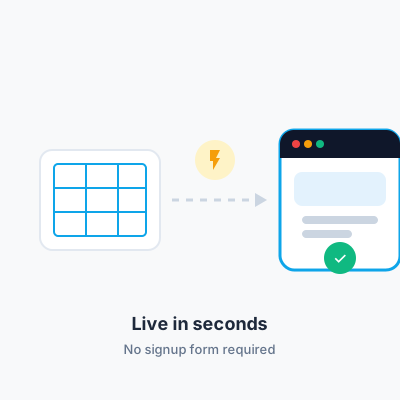
Upload first, account later
The new Try for Free flow drops the signup form entirely. Upload your Excel or LibreOffice file, and Appizy converts it and publishes a live calculator in seconds. Your free account is created automatically behind the scenes — no email verification step blocking you from seeing the result first.
Why we built it this way
Most tools in this space ask you to sign up, pick a plan, and only then let you upload a file to see if the conversion actually works well for your specific spreadsheet. That’s a lot of commitment to ask for before proving any value. We’d rather you see your own formulas running as a web app first, and decide whether to keep going from there.
What happens after the first calculator
Once you’ve seen your calculator live, everything you’d expect is still there: customize the theme and branding, adjust the layout, and either keep using the free plan or upgrade when you need more active calculators, PDF export, or higher email notification limits.
Try it yourself
If you’ve got an Excel or LibreOffice spreadsheet handy, the fastest way to understand this feature is to use it: try Appizy for free and see your own formulas turned into a web app in the next few minutes.